Genetec Mission Control
- Fewer False Alarms Correlates and qualifies events so operators only see incidents that matter.
- Guided Procedures Step-by-step SOPs appear on screen the moment an incident is triggered.
- Automated Response Flowchart workflows lock doors, raise threat levels and send alerts without manual input.
- Shared Ownership Role-based assignment and sub-incidents bring in the right people, including external agencies.
- Complete Audit Trail Every action is logged and reportable, with response and resolution times.
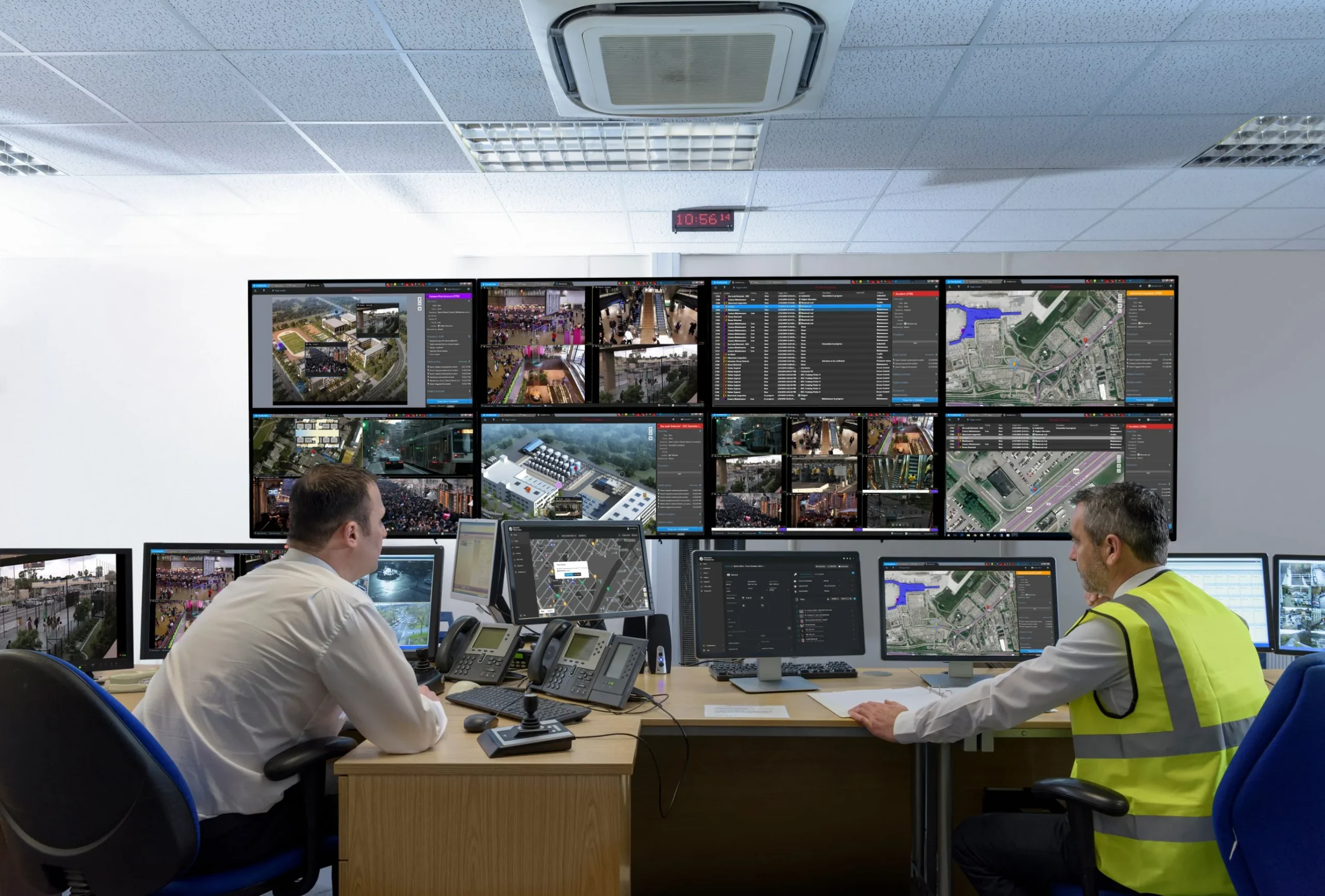
The Incident Lifecycle in Mission Control
Detect
Mission Control ingests events and alarms from every device and plugin in Security Center: video, access control, intrusion, intercom and licence plate recognition. Third-party systems arrive through the Security Center SDK, so nothing needs a separate integration layer.
What Genetec Mission Control Does
Genetec Mission Control is the collaborative decision-management system for Genetec Security Center. It takes the events and alarms already flowing through your cameras, doors, intrusion panels, intercoms and licence plate readers, and correlates them into prioritised incidents. Operators see one incident with its context, not fifty separate alarms.
From there, Mission Control guides the response. Your standard operating procedures appear on screen as dynamic steps that adapt to what the operator finds. Routine actions run automatically: a door locks, a public address message plays, a supervisor is notified. Every step is timestamped, so the incident report writes itself, and the audit trail is complete.