Avigilon Dome Cameras
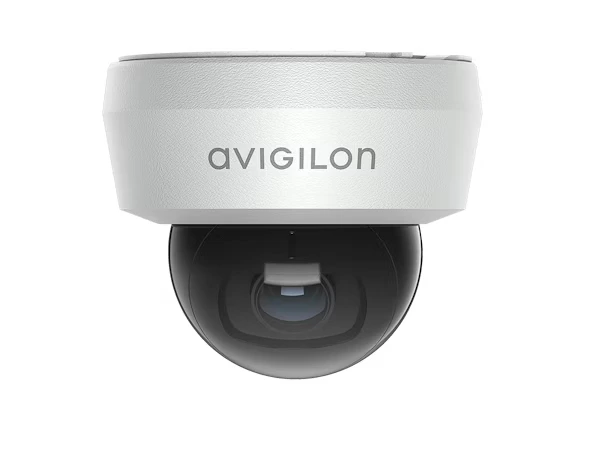
The full Avigilon dome range — the H6, H5M and H6SL lines to the Alta A5 domes — for discreet, impact-resistant coverage indoors and out.

Choosing an Avigilon camera means two decisions: which platform — on-premises Unity or cloud-native Alta — and which camera for the scene in front of it. JD Security, an Avigilon Elite+ Partner, engineers both and commissions every camera on-site.
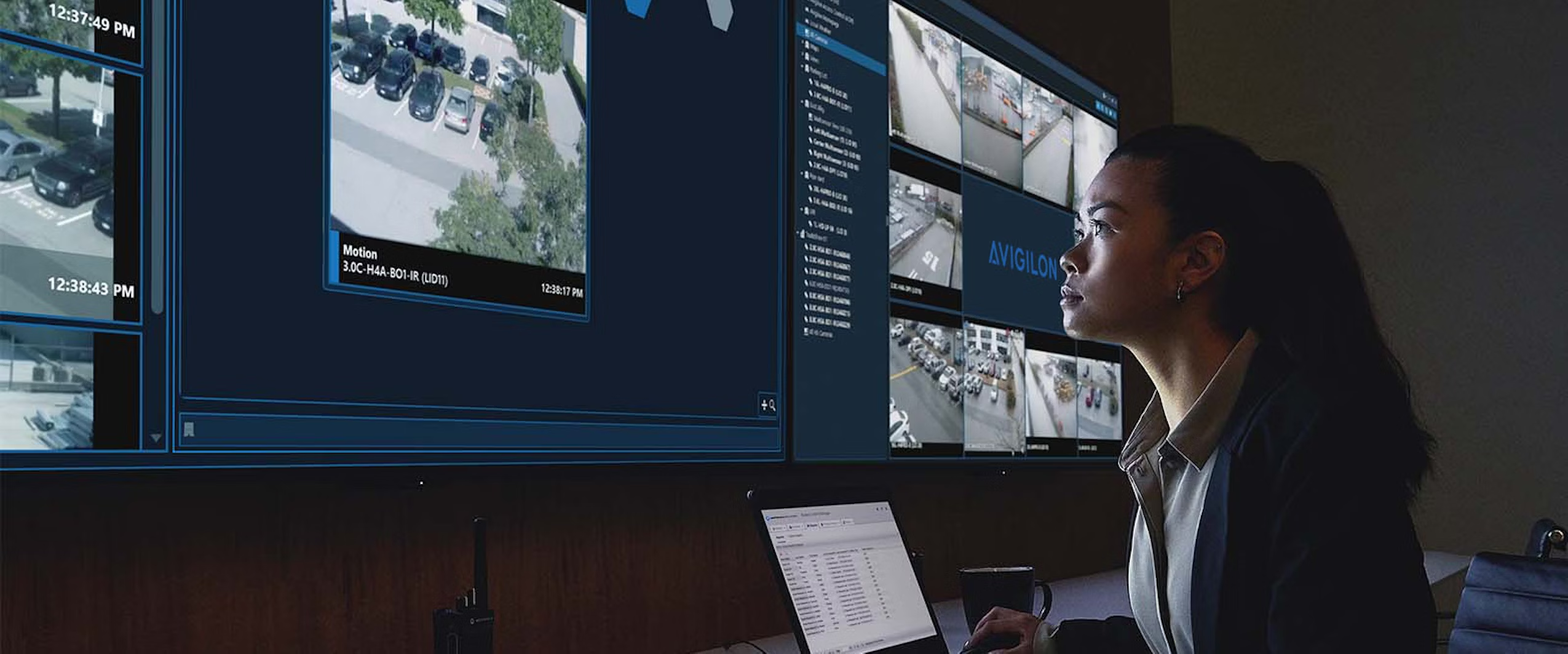
Most video systems are assembled from parts that were never designed together — a camera from one manufacturer, a video management system from another, an analytics engine bolted on top. Avigilon cameras are specified when an organisation wants the camera, the analytics and the software to come from one engineering programme.
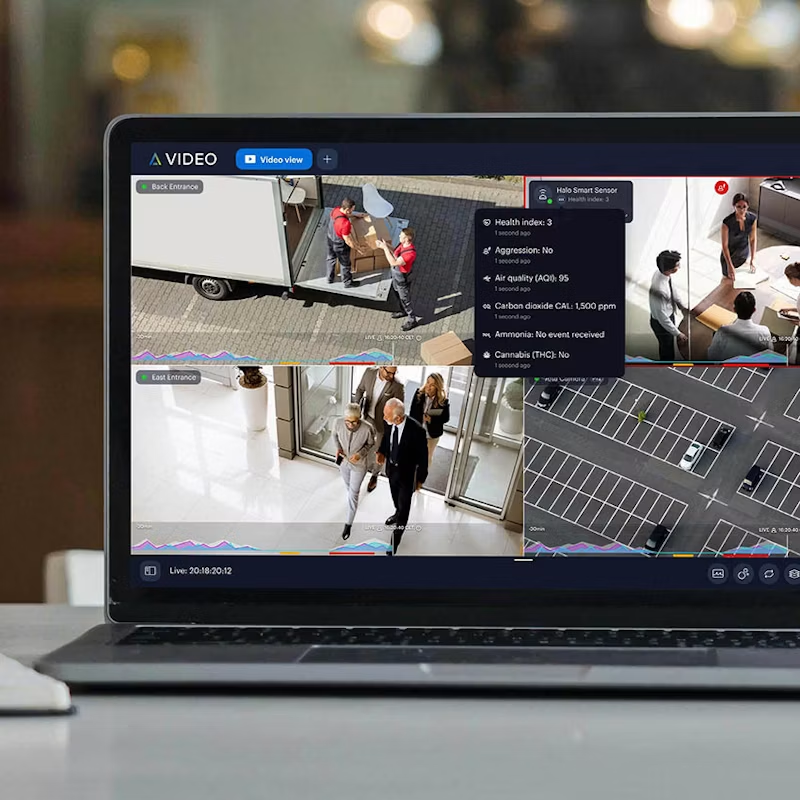
The practical effect is where the intelligence sits. Avigilon’s self-learning video analytics run on the camera, classifying people and vehicles at the edge and sending the software a described event rather than a raw stream to be interpreted. Detection doesn’t degrade when the network is congested, and adding cameras doesn’t mean adding analytics servers.
The second effect is continuity. Avigilon is a Motorola Solutions company, which puts a listed parent behind the firmware lifecycle, the security patching and the product roadmap — the things that decide whether a camera fleet is still supportable in year five, not year one.
Unity is the on-premises path. Video is recorded and retained on servers you own, inside your network, under your control. The software is Avigilon Unity Video — formerly Avigilon Control Center — with Avigilon Unity Access managing doors on the same platform.
Unity suits organisations with data residency obligations, established server infrastructure, or a scale at which on-premises storage economics beat a subscription. It is also the path where the deepest forensic tooling sits: Appearance Search for finding a person or vehicle across a whole site, Focus of Attention for prioritising what an operator looks at first, and Dynamic Privacy Masking for meeting privacy requirements without losing the evidence underneath.
Choose Unity if: you hold your own video, you have IT infrastructure and the people to run it, or a regulator has an opinion about where the recording sits.
Dome
General-purpose coverage where the camera should be discreet and impact-resistant. The workhorse of most deployments — H6A, H6X and H6SL lines.
Bullet
Long-range detection along a fence line, driveway or car park. Visible by design, where deterrence is part of the job.
PTZ
Large open areas where an operator needs to follow an event and zoom on demand. H6A PTZ and H5A IR PTZ.
Multisensor
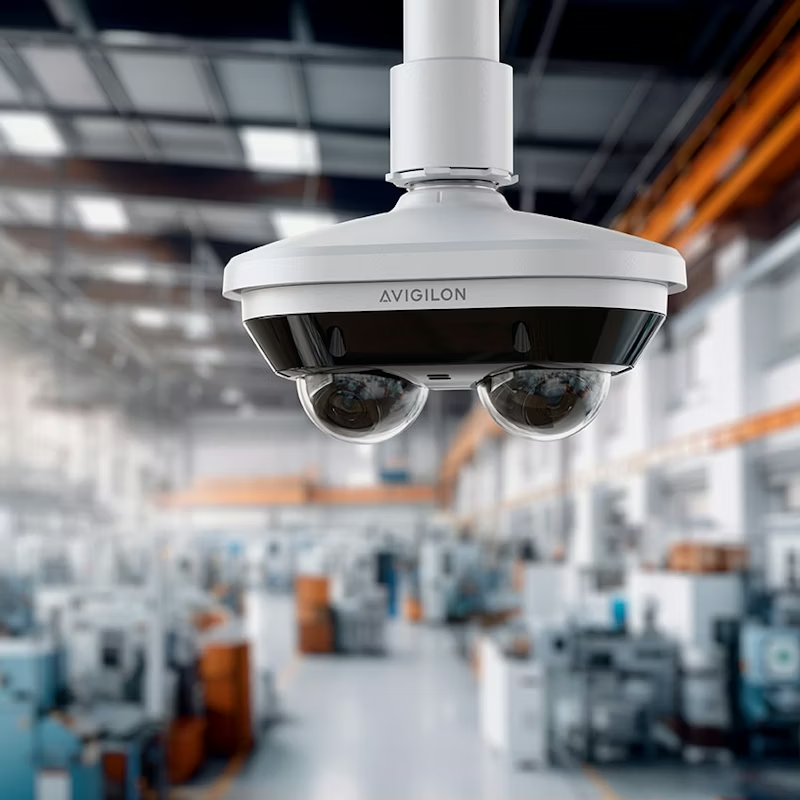
Wide areas from a single mount point — up to 360° from three or four independently adjustable sensors. One cable, one mount, one licence, coverage that would otherwise take four cameras.
Fisheye
Mid-size open interiors — retail floors, foyers, warehouse aisles — where a single ceiling position can see everything and dewarping handles the rest.
Dual head
Corridors, stairwells and L-shaped intersections. Two sensors in one housing, bidirectional, one cable run and one licence instead of two.
Modular
Discreet installations where the sensor must be nearly invisible, and the processing sits elsewhere — heritage buildings, sensitive interiors.
Corner
Cells, holding areas and interview rooms — ligature-resistant, mounted where there is nothing to grab.
Box
Where lens choice is the whole point. The H6X Box accepts the lens the scene needs and takes a weatherproof housing outdoors.
Thermal
Detection in total darkness, smoke or fog, and perimeter detection where visible-light cameras generate nuisance alarms.
Explosion-protected
Hazardous areas — fuel, chemicals, grain handling, mining. The H6XP line is built for certified zones.
Licence plate recognition
Vehicle identification at gates, car parks and access points. L6A for fixed enterprise installations, L6Q where the deployment is temporary or has no power.
The full Avigilon dome range — the H6, H5M and H6SL lines to the Alta A5 domes — for discreet, impact-resistant coverage indoors and out.
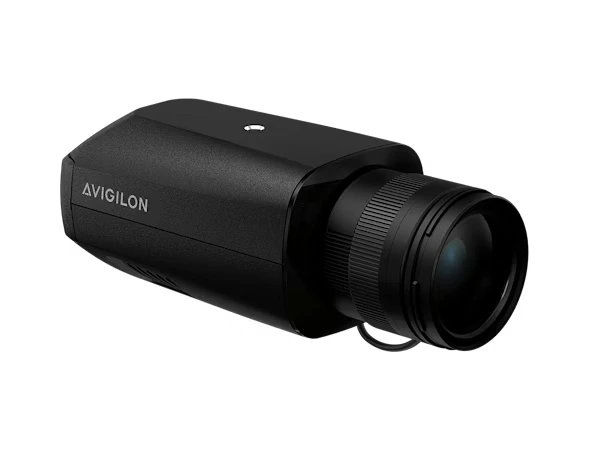
The full Avigilon box range — interchangeable-lens cameras with resolutions up to 61 MP for wide areas and high-detail scenes.
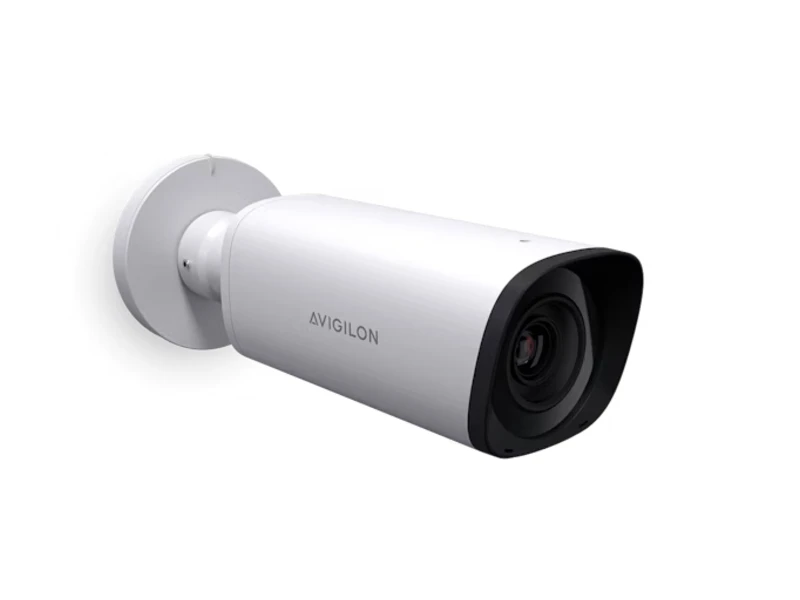
The full Avigilon bullet range across Unity and Alta — H6SL, H6A/H6X and the Alta A5 — long-range detail for perimeters, entries and carparks.
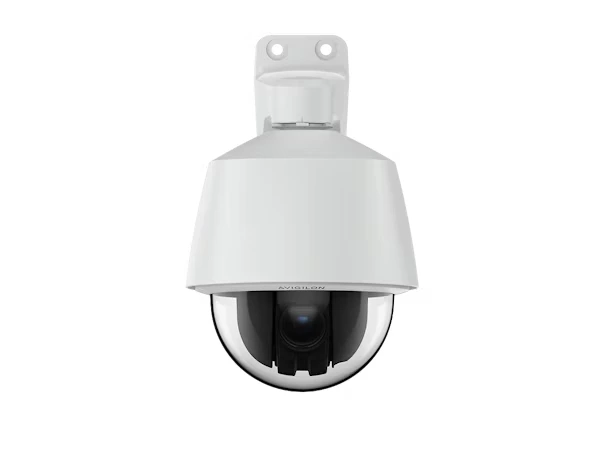
The full Avigilon PTZ range — H-Series pan-tilt-zoom cameras for live operator tracking across carparks, perimeters and large open sites.
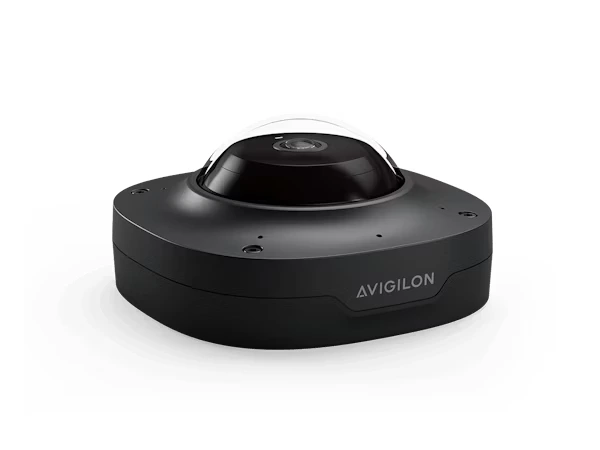
Cover wide areas from a single vantage point with multisensor, dual head and fisheye cameras delivering up to 360° views. View the full panoramic range.
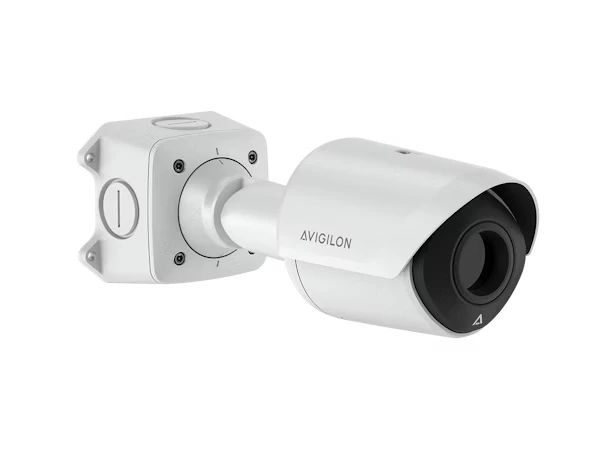
The full Avigilon thermal and IR range — the H5A Thermal and H5A IR PTZ — for detection and tracking after the light runs out.
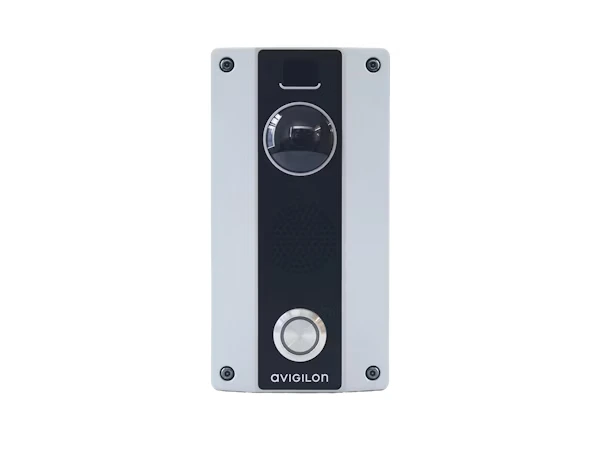
The Avigilon H4 Video Intercom — HD camera, two-way talk and door release in one unit, managed alongside your cameras in Unity.
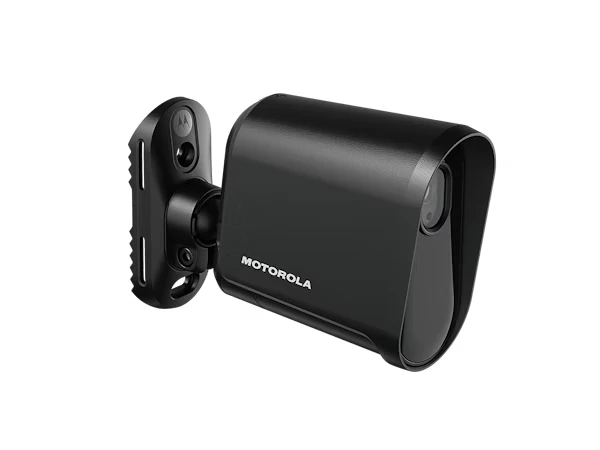
The full Avigilon LPR camera range — from the quick-deploy L6Q to the fixed enterprise L6A — for car parks, gates and perimeters.
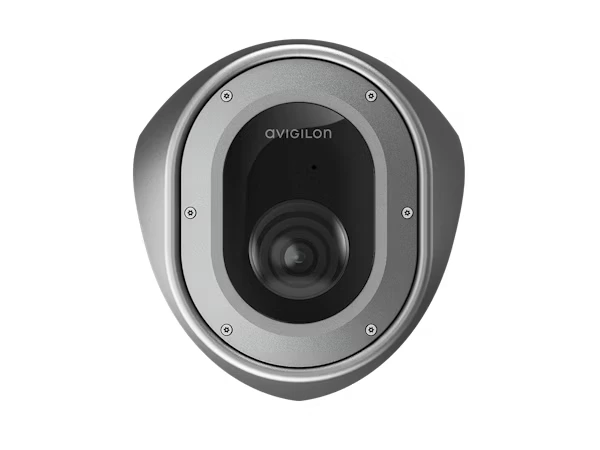
The Avigilon H5A Corner Camera — anti-ligature and corner-mounted for full-room coverage in corrections, health and custody environments.
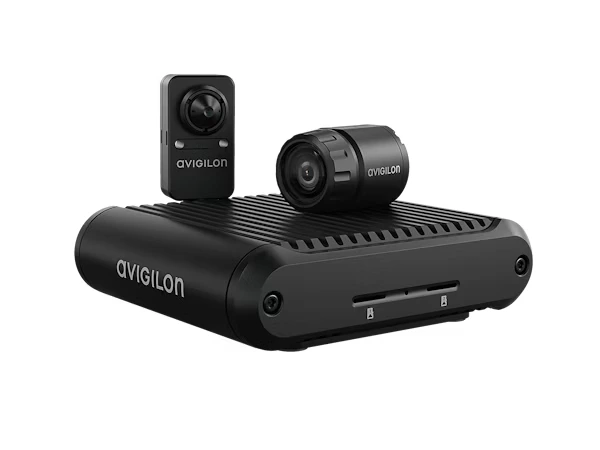
The Avigilon H5A Modular Camera — discreet sensor heads for ATMs, transit and tight spaces, with the main unit installed out of sight.
Avigilon sells through partners, not directly. That makes the integrator the variable that decides whether the system performs — the cameras are the same wherever you buy them, so what you’re actually choosing is who designs the system around them. JD Security is an Avigilon Elite+ Partner, and the rest of this section is how we work.
We start with the facility, not the product list. Lighting, mounting positions, cable paths, network capacity, retention obligations and who will actually operate the system all shape the specification before a model number is written down. A camera that is right for the scene and wrong for the ceiling is still the wrong camera.
Installation is done by our own licensed technicians, not subcontracted out. Every camera is commissioned on site — field of view proven against the design intent, analytics tuned to the actual scene, and the system handed over with your operators trained on it rather than handed a manual.
Then it’s supported. Firmware currency, health checks and fault response are covered under preventative maintenance, because a camera system that nobody maintains stops being an asset around year three.
Unity records video on servers you own and operate; Alta records to camera onboard storage and the cloud. The camera range is largely shared between them — many models are available in both a Unity and an Alta variant. Unity suits organisations with data residency requirements or existing server infrastructure. Alta suits multi-site operations with no on-site IT presence. Both can run in the same organisation.
The H6A has a built-in microphone and audio analytics. The H6X has no microphone and no wireless radio. They share the same imaging platform. The H6X exists for environments where privacy legislation or cyber security assessment rules out audio capture or wireless-capable devices — which in Australia and New Zealand is common in government, healthcare and education.
No. The analytics run on the camera. Object classification, unusual activity detection and audio analytics are processed at the edge and sent to the VMS as described events.
Yes, subject to software version. Avigilon Unity Video supports current H6 and H5 camera generations, and older ACC deployments can usually be upgraded rather than replaced. We check version compatibility against your existing servers before quoting, because an upgrade path that requires new hardware is a very different project from one that doesn’t.
Choosing security solutions can be complex. Book a call with our experts and we’ll guide you step by step, helping you select the right products and services to protect your business as it grows.
Get in touch with our team to discuss your requirements. Fill in the form below and a member of our sales team will be in touch within 24 hours.
By submitting this request, you have read and agree to our Privacy Policy
Thank you for your submission